Nail Salon POS System: What to Look For
Salon POS System is published by the KwickPOS team. We cover salon operations and technology, including KwickPOS salon features.
Updated October 1, 2026
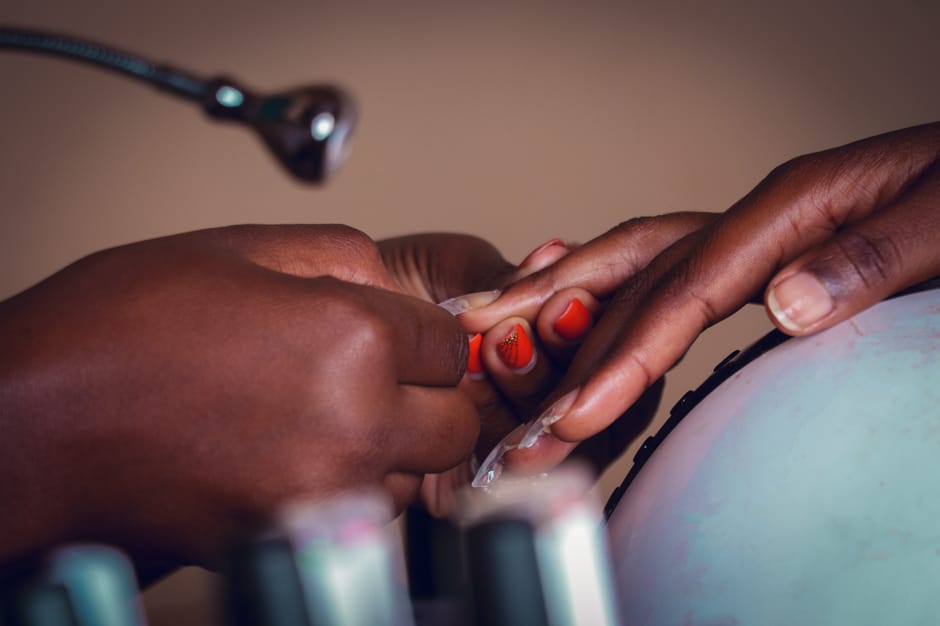
Nail salons combine things most POS systems treat separately: an appointment book, a walk-in line, a service menu with dozens of add-ons, several technicians sharing tips, and a retail shelf. A system built for a café or a shop will handle the sale but miss the rest. This guide covers what a nail-salon POS has to do and what to test.
Appointments by technician
- A calendar per technician, with their hours, breaks and the services they perform.
- Durations by service, so a gel full set blocks the right amount of time, and add-ons such as nail art extend it.
- Online booking that only offers times a qualified technician is free.
- Reminders by text before the appointment, with a way to confirm or reschedule.
- Deposits or card on file for long services, if no-shows are a problem, with your policy shown at booking.
Walk-ins in the same queue
Many nail salons take as many walk-ins as appointments. The POS should put walk-ins and booked clients in one queue, so staff see who's next and which technician is free:
- A check-in screen or tablet at the door, with the client's name, phone and requested service.
- An estimated wait, updated as services finish, and a text when it's the client's turn.
- Assignment by turn, by skill, or by client request, as your salon prefers.
- A view of every station: who's working on what, and when they'll be free.
In the demo, book two appointments, add three walk-ins, finish one service early, and see whether the queue updates.
The service menu
- Services grouped by category (manicures, pedicures, enhancements, nail art, waxing), with prices and durations.
- Variants by length or technique, priced separately.
- Add-ons that change both price and time.
- Packages and memberships, if you sell them (see below).
Tips: prompts and splits
- A tip prompt on the card reader at checkout, with a clear option for no tip.
- Splitting one tip across technicians when two worked on the same client, by service value or a set share.
- Cash tips recorded, so tip reports are complete.
- A daily tip report per technician for payroll.
The tax rules for tips apply to salons as well as restaurants. The IRS says employees should "report all cash tips to the employer, unless the total is less than $20 per month from that employer", and that "service charges added to a bill by the employer and distributed to an employee are not tips", so a mandatory service fee should be recorded separately from tips. If you pool tips, the U.S. Department of Labor says the FLSA "allows employers to require employees to share or 'pool' tips with other eligible employees" and that employers may not let managers and supervisors receive tips from the pool. State law can add rules; check yours and ask your accountant.
Commissions and payroll
Many salons pay technicians a commission on services, sometimes with a different rate for retail. The POS should support the structures you use:
- A flat percentage of services, or tiers that rise with sales.
- A different rate for retail products.
- Deductions for product used, if your agreement includes them.
- A commission and tip report per technician per pay period, exported for payroll.
Example. A technician performs $3,200 of services in two weeks at a 45% commission and sells $400 of retail at 10%. Their commission is $1,440 + $40 = $1,480 before tips.
Whether technicians are employees or independent contractors, and how commission pay meets minimum-wage and overtime rules, depends on federal and state law. Ask your accountant or an employment lawyer before setting it up.
Supplies and retail
- Service-linked supply use, if you want it: each service deducts an estimated amount of polish, gel or acetone, so you see usage against sales.
- Retail stock for polish, lotions and care products, with reorder points.
- Retail suggestions at checkout, such as the color the client just had.
Client profiles
A client who's greeted by name and asked about "the same as last time" comes back. The profile should hold:
- Visit history: services, technician, colors and products used.
- Preferences and notes, including allergies or sensitivities to products.
- Upcoming appointments and any prepaid packages.
- Marketing consent, kept separate from booking.
Packages, memberships and gift cards
- Packages: a set of services paid for in advance, with the remaining balance tracked on the client's profile.
- Memberships: a monthly fee for a set of services or a discount, with clear pause and cancel rules.
- Gift cards: sold at the front desk and online. Federal rules from the Consumer Financial Protection Bureau generally don't let gift-card funds expire sooner than five years after issue or the last reload, and limit inactivity fees. State laws may be stricter.
Hardware for a nail salon
- A front-desk terminal or tablet, with a card reader that takes tap and phone payments.
- A check-in tablet for walk-ins, if your queue is busy.
- A receipt printer and cash drawer.
- Card readers away from water and acetone at pedicure stations, or payment at the front desk only.
What to bring to the demo
- Your service menu with prices, durations and add-ons.
- Your technicians' schedules and commission rates.
- How you split tips today.
- A typical Saturday: how many appointments and walk-ins.
Running a hair salon too? See Hair and Beauty Salon POS: What to Look For.
Salon software from the KwickPOS team
KwickOS handles salon appointments, checkout and payments. See what it includes and ask for pricing.
See KwickOSSources
- Tip recordkeeping and reporting, IRS. Checked October 1, 2026.
- Fact Sheet #15: Tipped employees under the FLSA, U.S. Department of Labor. Checked October 1, 2026.
- Regulation E §1005.20: Requirements for gift cards, Consumer Financial Protection Bureau. Checked October 1, 2026.